Graphing Calculators · Volume 9
Care, Repair and Collecting
The TI-84 Plus CE is built to survive a school bag, and most of what goes wrong with one is its battery or its software rather than its electronics. This volume covers keeping it charged, the resets and recoveries TI documents, opening the case, the troubles of the older AAA-powered models, and the market for graphing calculators old and new.
9.1 The battery
The CE runs on a TI rechargeable lithium-ion pack of 1,200 mAh (volume 5). TI’s advice (Getting Started, pp. 68–69, and its knowledge base):
- Charge a new calculator for at least four hours; a full charge takes about four hours from a computer, a TI wall adapter or the TI Charging Station CE, and the calculator works normally while charging. Charging from a computer needs TI’s USB driver, which comes with TI Connect CE.
- Use a TI charger or “a UL-certified USB charger rated at least 1 amp”.
- The memory in RAM is lost if the battery goes flat. Archive anything worth keeping, because the archive is in flash and survives.
- A lithium-ion battery “typically lasts 2.5 to 3 years”.
- A calculator stored switched off goes into Deep Sleep to save its battery; hold ON for four seconds or plug it in to wake it.
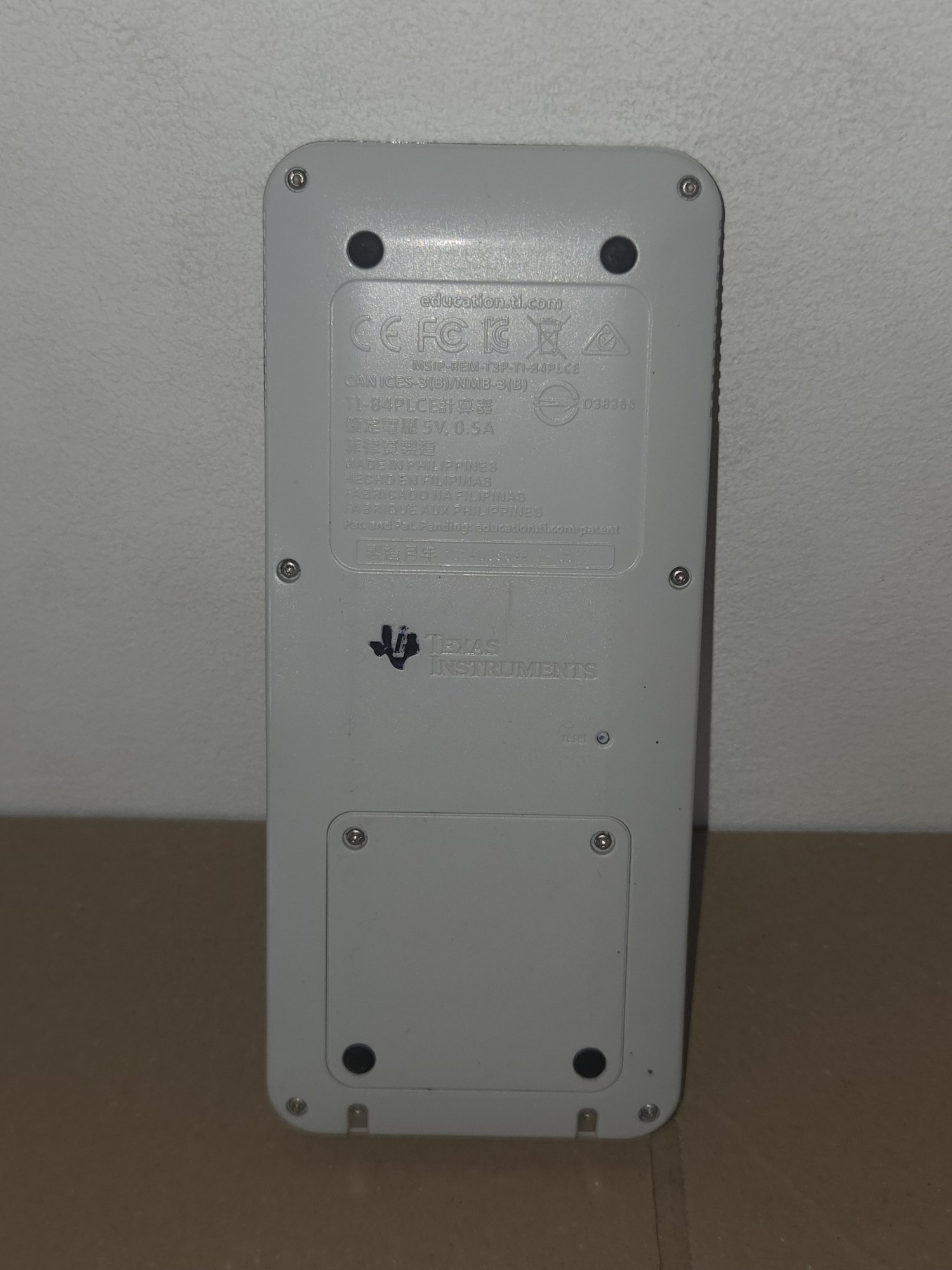
Replacing it is easy. iFixit’s guide rates it at one to five minutes with a small Phillips screwdriver: switch off and back up first, since taking the battery out clears RAM; undo the two captive Phillips screws of the battery door, not the six Torx T6 screws round the edge of the case; lift the door, and lift the battery out by its cut-out. TI says to use only a TI battery. Third-party packs are sold with labels such as 3.7L1200SPA, and some claim 1,500 to 3,200 mAh for a pack the same size as TI’s 1,200 mAh one.
9.2 When it misbehaves
TI’s knowledge base sets out the steps for a CE that will not switch on, keeps restarting, or shows “Validating Operating System…” without end:
- Check that the USB plug is pushed fully home, “when no metal is visible”, and charge for three hours.
- Check that the reset button on the back is not stuck in; free it with a paper clip. “It is very important to not use an object that can leave behind debris, such as a pencil.”
- Battery reset: hold the reset button for at least five seconds, take the battery out, wait about three minutes, put it back and charge for one or two hours.
- Reinstall the operating system: hold 2nd and DEL, press and release the reset button, and wait for “Waiting… Please Install Calculator Software”; then send the operating system from TI Connect CE on a computer, or from another CE.
- If it still shows Validating OS, try another TI battery. In the United States and Canada, TI’s battery request form covers a calculator bought new within the last two years.
For a calculator that works but behaves oddly, the first step is 2nd MEM 7 2 2, which restores the default settings, then the reset button. 2nd MEM 7 1 2 clears RAM completely, deleting programs and variables there but leaving the archive alone. Cleaning, TI says, is with an alcohol wipe of 70 % or stronger or a slightly damp lint-free cloth, never with liquid sprayed onto the calculator.
9.3 Opening the case
iFixit’s teardown of the CE: take out the battery and the screws beneath it, then the six T6 Torx screws round the edge, and prise the two halves apart with a spudger, which is easy at the screen end and hard in the middle. Inside, the reset button is a small plastic plunger under rubber. The screen connects to the board by a ribbon in a zero-insertion-force connector, under an aluminium shield that is partly glued down. The keys are held by plastic posts melted over at the factory, which must be broken to get at them, and almost everything on the board is soldered. iFixit gives it a repairability score of 4 out of 10.
Lines or dead areas on the screens of older TI calculators are usually not dead pixels but a failing ribbon connection; Cemetech members report that reheating it helps for “several weeks, maximum for several months”. A forum member reports that a replacement screen for a CE must come from another CE, CE-T or TI-83 Premium CE, since the TI-84 Plus C SE’s and the Nspire CX’s panels do not fit.
9.4 The older models
The monochrome TI-81, TI-82, TI-83 and TI-84 Plus run on four AAA cells and keep their memory with a lithium backup cell, a CR1616 or CR1620 on the TI-81 and TI-83 and a button cell on the TI-84 Plus. TI’s guidebooks give the rules: after the low-battery warning there are “about one or two weeks” left; never take out the AAA cells and the backup cell together; and replace the TI-83’s lithium cell “every three or four years”. Early TI-81s had no backup cell.
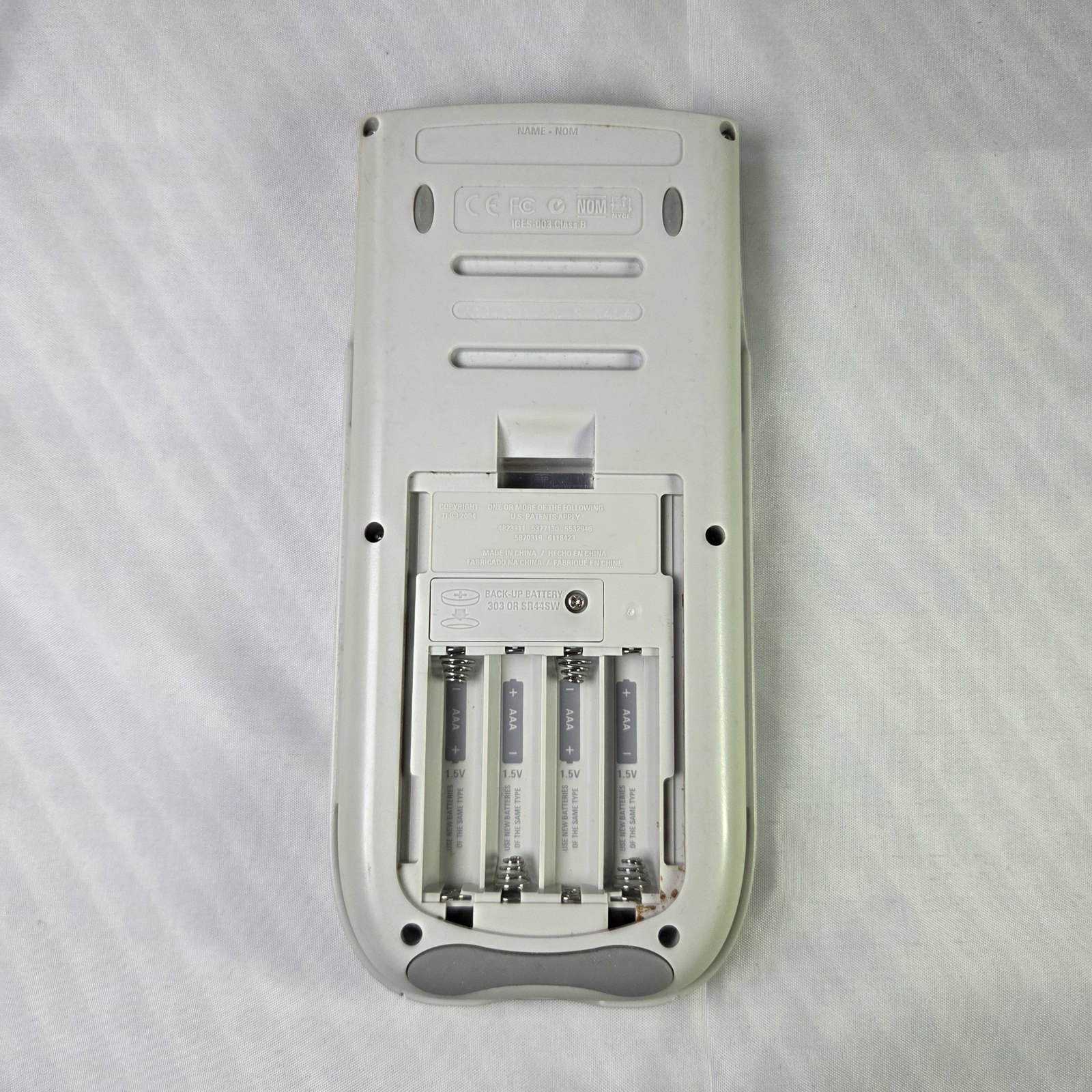
The greater danger is a leaking AAA cell. TI’s knowledge base advises dabbing a little vinegar on a cloth to neutralise the alkaline residue, rubbing the contacts clean and drying them, keeping the powder off skin and clothes, and taking the batteries out of a calculator that will be stored for three months or more. Reported faults on TI-81s include screens that stay very dark even at the lowest contrast after corrosion, and dead areas from a ribbon connection that has dried out.
9.5 What they are worth
Old graphing calculators are not expensive. Most of the prices below come from eBay listings seen in search results, which rarely show the year; they are a guide only.
Table 1 — What they are worth
| Calculator | Launch | Recent prices |
|---|---|---|
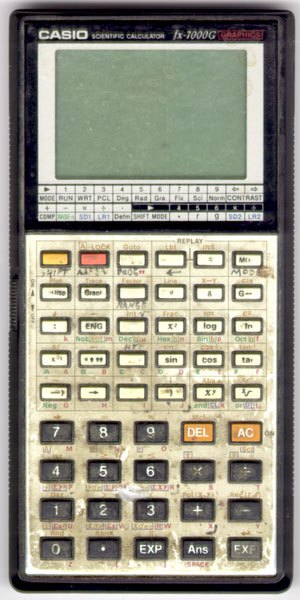
| Casio fx-7000G (1985) | ¥19,800; FF 1,250 | sold £24.50 with manual and £29.99 boxed (2025); asking $19–40 |
| TI-81 (1990) | $129.95 list, $99.99 street | asking $7–44 |
| TI-85 (1992) | $130 | sold $35, and $125 boxed and unopened |
| TI-92 (1995) | $200 | sold about $90 in new condition |
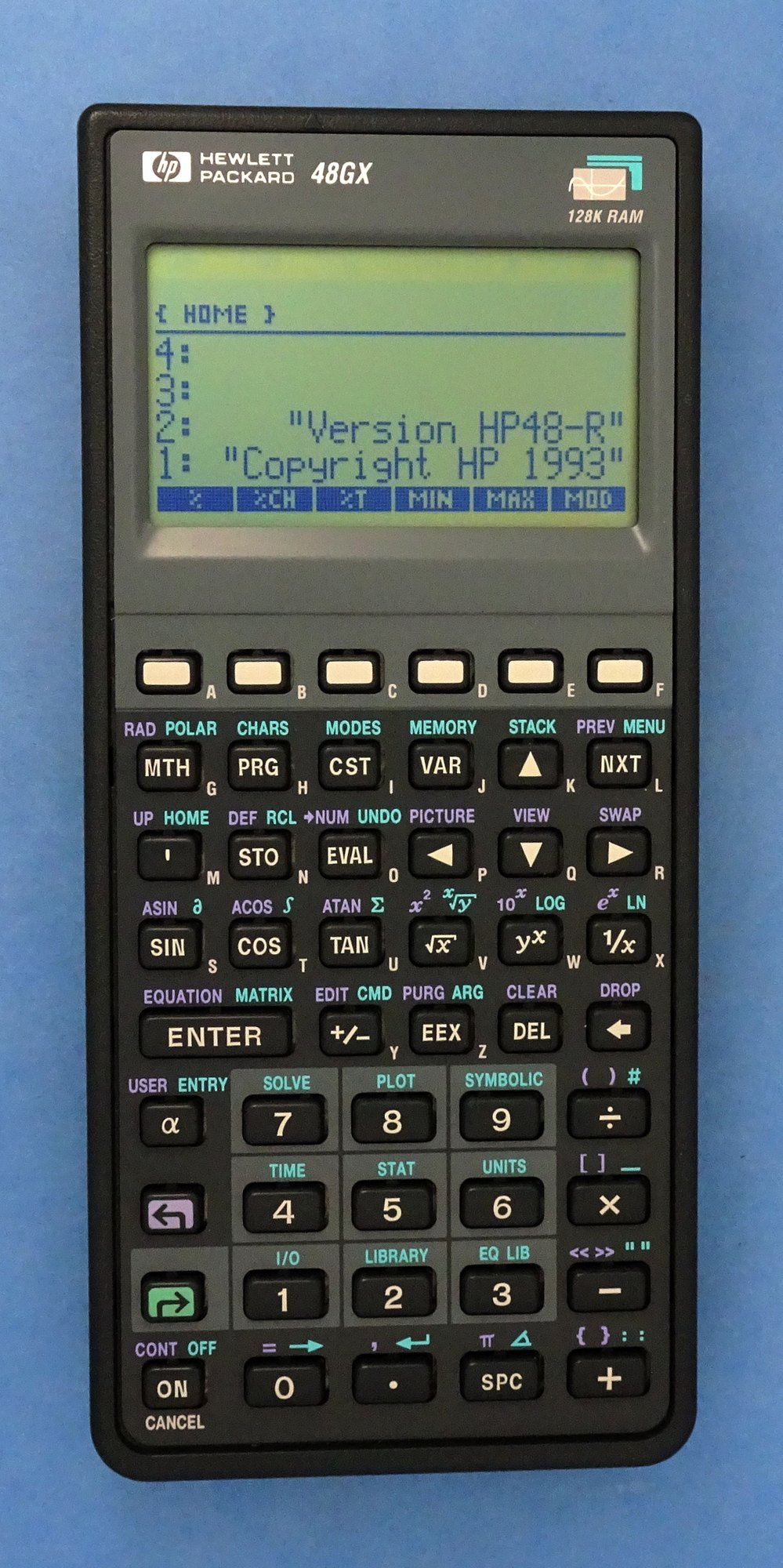
| HP-28C (1987) | $235 | sold about $50; asking $40–99 |
| HP 48SX (1990) | $350 | sold $110–129 working; about $28 for parts (2025) |
| Sharp EL-5200 (1986) | asking about $20; no sale found |
New, in October 2026, Target listed the TI-84 Plus CE at $110.44, the monochrome TI-84 Plus at $139.99 and the new TI-84 Evo at $115.99; Casio’s fx-CG50 was about $95 in 2024, and the NumWorks about $125 in 2026. Counterfeit TI-84 Plus CEs have been reported only rarely, one example being a “sealed” TI-84 Plus CE Python offered on AliExpress at $14.29.
9.6 Emulators
A calculator can be run on a computer, but only with its operating system and boot code, and those are TI’s.
- TI-SmartView CE is TI’s own emulator for teachers, which shows the calculator on a projector with a history of key presses; it is sold by subscription, about $25 a year from resellers.
- CEmu, from the CE-Programming community, is open source and emulates the TI-84 Plus CE and TI-83 Premium CE for program development. It needs a ROM image dumped from the user’s own calculator, and has a wizard to do it.
- jsTIfied, on Cemetech, runs the monochrome models in a web browser. Cemetech hosts no ROMs: “in most countries, it is illegal to share or download ROM images for devices you do not own”.
- Wabbitemu emulates the Z80 models up to the TI-84 Plus Silver Edition, and can build a ROM from TI’s downloadable operating system and a free boot loader; whether that is legal is disputed.
9.7 The documents in the Library
Everything in the Reference Library for this series:
- My TI-84 Plus CE: TI’s Getting Started with the TI-84 Plus CE (2023) and its OS 5.3 edition (2017); the Reference Guide; the TI-Basic Programming Guide (2016) and the CE TI-Basic Programming Guide (v5.7); the Apps guide (CE-T edition); the Press-to-Test sheet.
- The Python models: Getting Started with the TI-84 Plus CE Python and Python Programming for the TI-84 Plus CE Python.
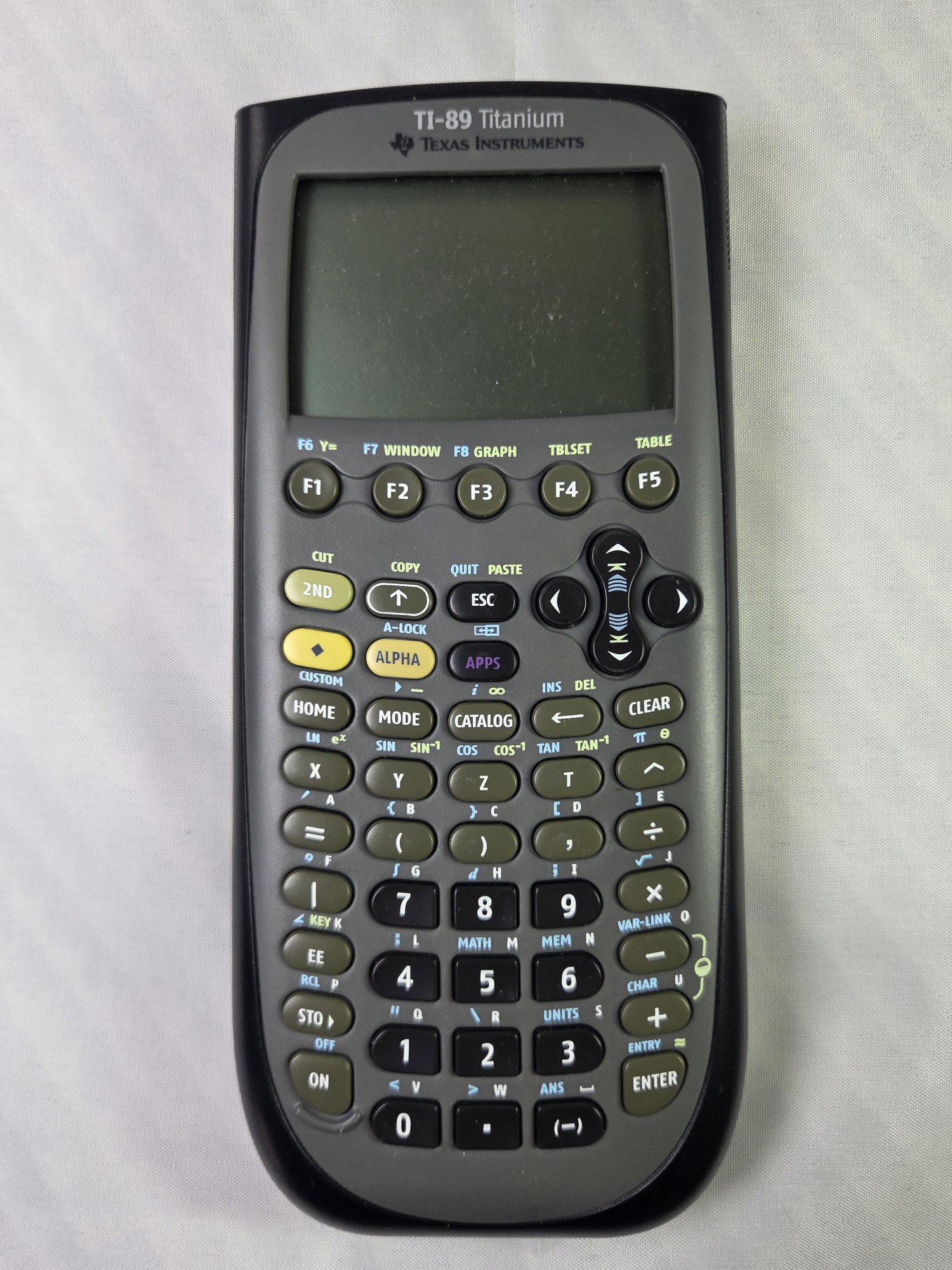
- The TI family: guidebooks for the TI-81, TI-82, TI-83, TI-83 Plus and Silver Edition, TI-84 Plus and Silver Edition, TI-84 Plus C Silver Edition, TI-85, TI-86, TI-89 and TI-92 Plus, TI-89 Titanium and Voyage 200; TI’s TI-83 Plus Developer Guide and System Routines for assembly programmers.
- The others: Casio’s fx-7000G Owner’s Manual; HP’s HP-28C Getting Started Manual and HP 48SX Owner’s Manual, volume 1 and volume 2.
- The processor: Zilog’s eZ80 CPU User Manual.
- Patents: Casio’s US 4,794,553 (graph display, 1985), US 5,210,708 (shading an integral, 1990) and US 5,739,823 (graphs in colour, 1994); TI’s US 5,377,130 (sequences, 1993), US 5,532,946 (tables, 1993), US 6,771,252 (shading inequalities, 2000), US 6,867,777 (tracing points of interest, 2000) and US 8,499,014 (Press-to-Test, 2005); HP’s US 4,845,652 (equation solver, 1986) and US 4,821,228 (stack undo, 1986).
- Exams: the ACT calculator policy.
9.8 Gaps
TI publishes no complete guidebook for the TI-84 Plus CE, no description of its hardware, and no list of its board revisions; the chip markings of the CE’s board have not been transcribed, and the maker of its screen is not known. The CE’s launch price is uncertain ($129 or $150), as is the Casio fx-7000G’s American price, and the exact month of the fx-7000G’s launch. Sold prices for old graphing calculators are few and mostly undated, and no sale of a Sharp EL-5200 was found. Casio’s guide to the fx-CG50 and HP’s guide to the Prime could not be added to the Library.
Sources
- TI, Getting Started with the TI-84 Plus CE, pp. 68–69; TI knowledge base, articles 37295 (won’t turn on, Validating OS), 26350 (cleaning) and 39837 (battery leaks); TI’s TI-84 Plus C Silver Edition Guidebook, pp. 330–331; TI’s guidebooks for the TI-84 Plus and TI-83 on batteries.
- iFixit: “Texas Instruments TI-84 Plus CE Battery Replacement” (guide 63973) and “TI-84 Plus CE Teardown” (118886); Cemetech forum on screens and the TI-81; Wikipedia, “TI-81”.
- Prices: eBay listings as seen in search results (2025–26); Target (read 27 October 2026); the HP Museum forum (2002); the launch prices in volumes 2 and 3.
- Emulators: github.com/CE-Programming/CEmu; Cemetech’s jsTIfied page; TI’s TI-SmartView CE pages and resellers; the Cemetech forum on Wabbitemu.
Comments (0)