Scientific Calculators · Volume 7
Operating the TI-36X Pro
The TI-36X Pro does almost everything a graphing calculator does except draw graphs: numerical calculus, equation and system solvers, matrices, vectors, complex numbers, number bases, statistics with regressions and distributions, function tables, physical constants and unit conversions. Most of it lives behind the 2nd key and a handful of menus. The examples here are from Texas Instruments’ TI-36X Pro Guidebook, and the results it prints have been checked against it; where it shows only a picture of the screen, the result here has been worked out by hand. The page numbers are the guidebook’s.
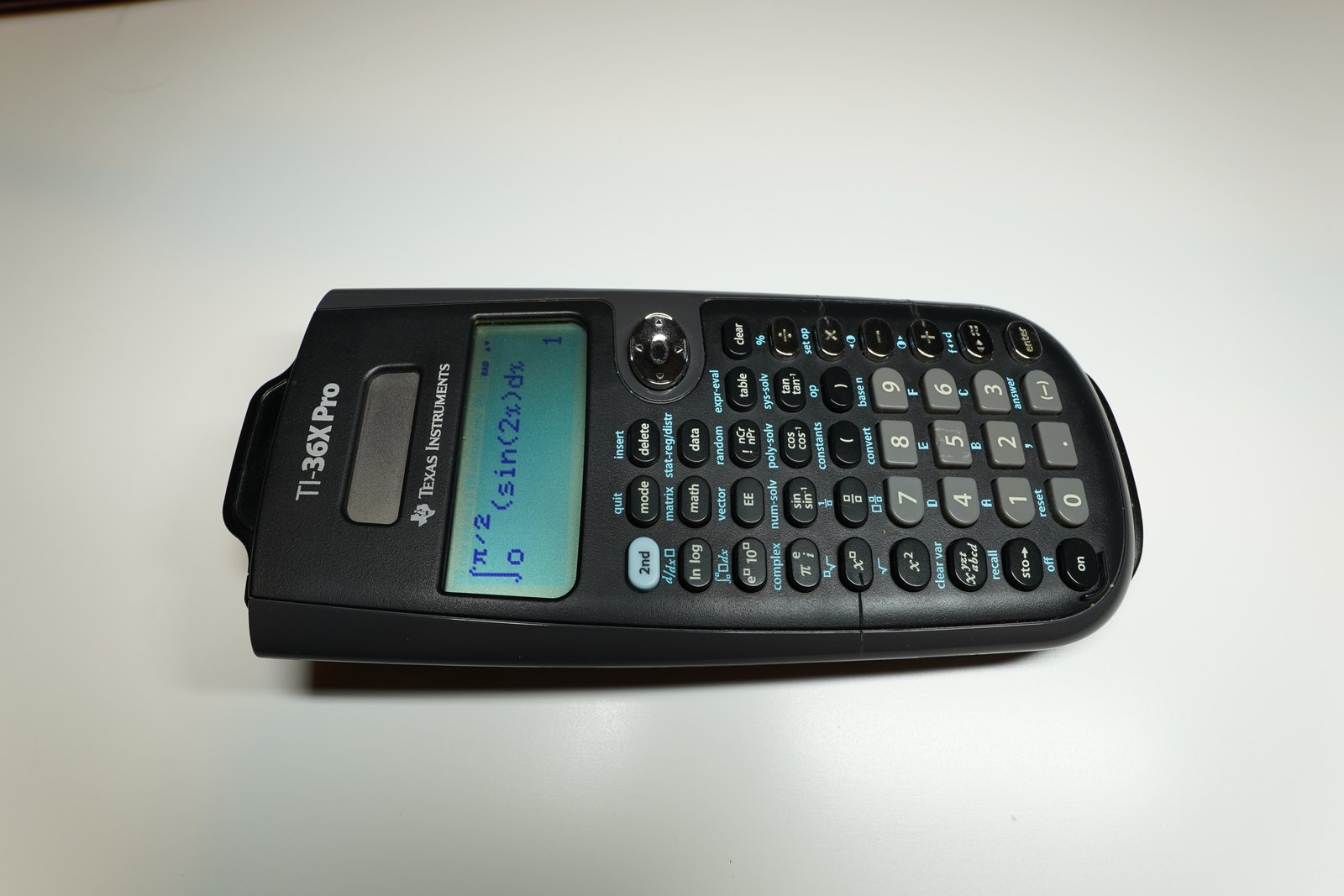
7.1 The display and the modes
The display shows four lines of up to sixteen characters. In MathPrint mode, fractions, roots, powers and the calculus templates appear as in a textbook, nested up to four levels deep; in Classic mode everything is on one line. The mode key sets:
Table 1 — The display shows four lines of up to sixteen characters. In MathPrint mode, fractions, roots, powers and the calculus templates appear as in a textbook, nested up to four levels deep; in Classic mode everything is on one line. The mode key sets
| Setting | Choices | Default |
|---|---|---|
| Angle | DEG, RAD, GRAD | DEG |
| Notation | NORM, SCI, ENG | NORM |
| Decimals | FLOAT or 0–9 places | FLOAT, up to 10 digits |
| Complex results | REAL, a+bi, r∠θ | REAL |
| Number base | DEC, HEX, BIN, OCT | DEC |
| Display | CLASSIC, MATHPRINT | MATHPRINT |
The two display modes can give different answers. TI’s order of operations, its Equation Operating System, has eleven levels of priority, and stacked powers are read differently in each (p. 12):
Table 2 — The two display modes can give different answers. TI's order of operations, its Equation Operating System, has eleven levels of priority, and stacked powers are read differently in each (p. 12)
| Mode | 2 ^ 3 ^ 2 is read as | Result |
|---|---|---|
| Classic | (2³)² | 64 |
| MathPrint | 2^(3²) | 512 |
The answer toggle key switches a result between exact and decimal forms: a fraction and its decimal, a root and its decimal, a multiple of π and its decimal. 2nd and + or − adjust the contrast. The calculator switches itself off after about five minutes and keeps its settings, memory and history. 2nd reset 2 clears everything.
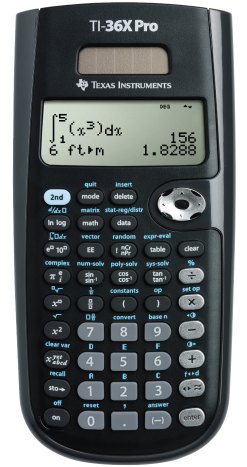
7.2 Everyday calculation
TI’s opening example (p. 17): a mine extracts ore from two sites, 5,000 tonnes at 3 % metal and 7,300 tonnes at 2.3 %. With the % key on 2nd:
Table 3 — TI's opening example (p. 17): a mine extracts ore from two sites, 5,000 tonnes at 3 % metal and 7,300 tonnes at 2.3 %. With the % key on 2nd
| Keys | Result |
|---|---|
| 3 2nd % × 5000 enter | 150, 3 % of 5,000 |
| + 2.3 2nd % × 7300 enter | 317.9 tonnes of metal |
| × 280 enter | 89012: at $280 a tonne, $89,012 |
The area of a circle of radius 12 cm (pp. 19–20): π × 12 x² enter gives 144π; the answer toggle gives about 452.4.
7.3 Memories and the stored operation
Eight variables, x, y, z, t, a, b, c and d, hold real or complex numbers: sto→ stores, 2nd recall recalls. The guidebook’s gravel-pit example (pp. 34–35) stores two areas, 350 × 560 m in x and 340 × 610 m in y, and multiplies each by depths of 150 m and 210 m, giving volumes of 29.4, 41.16, 31.11 and 43.554 million cubic metres in engineering notation.
A stored operation of up to 44 characters is set with 2nd set op and applied to any number with 2nd op: set ”× 5 − 2”, and −5 op gives −27, −1 op gives −7.
7.4 Calculus
2nd d/dx gives a numerical derivative (p. 30). The guidebook’s example finds the slope of f(x) = x³ − 4x at x = 2/√3: it is 0, and TI adds that “a maximum or minimum of the function might be at this point”. The method is the symmetric difference quotient with a step H of 0.001, which can be changed only in Classic mode, and TI warns that it “can return a false derivative value at a nondifferentiable point”.
2nd ∫dx gives a numerical integral between limits (pp. 30–31). The guidebook integrates f(x) = −x² + 4 from −2 to 0 and from 0 to 2 and notes that “both areas are equal”; each is 16/3, about 5.333.
7.5 Statistics
The data key opens an editor with three lists of up to 42 entries, and 2nd stat offers one- and two-variable statistics and six regressions: linear, quadratic, cubic, logarithmic, power and exponential (pp. 37–39).
- Weighted mean (pp. 44–45): scores 12, 13, 10 and 11, with weights 1, 0.5, 1 and 0.5 in a second list used as frequencies, give a mean of 11.33. Changing the 11 to 15 gives 12.
- Braking distances (pp. 45–46): speeds of 33, 49, 65 and 79 km/h against stopping distances of 5.30, 14.45, 20.21 and 38.45 m give the line y = 0.67732519x − 18.66637321, which predicts 18.59 m at 55 km/h.
The distributions menu has normal, binomial and Poisson probabilities and inverse normal.
7.6 Tables and combinations
The table key tabulates a function (pp. 51–53). For y = x(36 − x), starting at 15 in steps of 3, the table shows the largest value, 324, at x = 18. For a loan of $3,600 repaid at $450 a month, y = 3600 − 450x reaches zero at x = 8: eight months.
Choosing 3 flavours of ice cream from 25: 25 nCr 3 enter gives 2300 (p. 51).
7.7 Solvers
The solvers are on the num-solv, poly-solv and sys-solv keys (pp. 59–63):
- num-solv solves an equation of up to 40 characters for one variable, from a guess. It needs the two sides to change sign near the answer, and shows Left − Rt, the difference between the two sides at its answer.
- poly-solv solves quadratics and cubics, including complex roots, and can give a quadratic in vertex form. Coefficients 1, −2, 2 give x = 1 ± i.
- sys-solv solves 2 × 2 and 3 × 3 linear systems and stores the answers in x, y and z. For x + y = 1 and x − 2y = 3 it gives x = 5/3, y = −2/3.
7.8 Matrices, vectors and complex numbers
Three matrices, [A], [B] and [C], up to 3 × 3, with the determinant, transpose, inverse and row reductions (ref and rref); three vectors, [u], [v] and [w], with the dot product, cross product and length (pp. 53–58). Complex numbers are typed with i, on the π key, and the complex menu converts between a + bi and polar form (pp. 72–73).
7.9 Number bases, constants and conversions
The calculator works in decimal, hexadecimal, binary and octal, with the logic operations and, or, xor, xnor, not and nand and two’s complement (pp. 64–66). The constants menu holds 20 physical constants with their 2018 CODATA values, Planck’s constant 6.62607015 × 10⁻³⁴ J·s among them (pp. 67–68). The convert menu has 20 pairs of units in five groups, from inches and centimetres to atmospheres and pascals; −22 °F converts to −30 °C (pp. 68–71).
Sources
- Texas Instruments, TI-36X Pro Calculator Guidebook, pp. 4–80.
- For comparison: TI’s guides for the TI-30X Pro MultiView, its European twin, the TI-30XS MultiView and its teacher guide, the MultiView reference card, and the TI-30X IIS with its teacher guide.
Comments (0)